

Show of hands — who's spending way too much time now on Zoom or other video conference apps, whether it's for work meetings, school classes, online family reunions, or get-togethers with friends?
If so, how much time have you and your group spent messing around installing and changing backgrounds? I swear the first few minutes of a Zoom call with anyone new to the app is always spent showing them how to change their background.
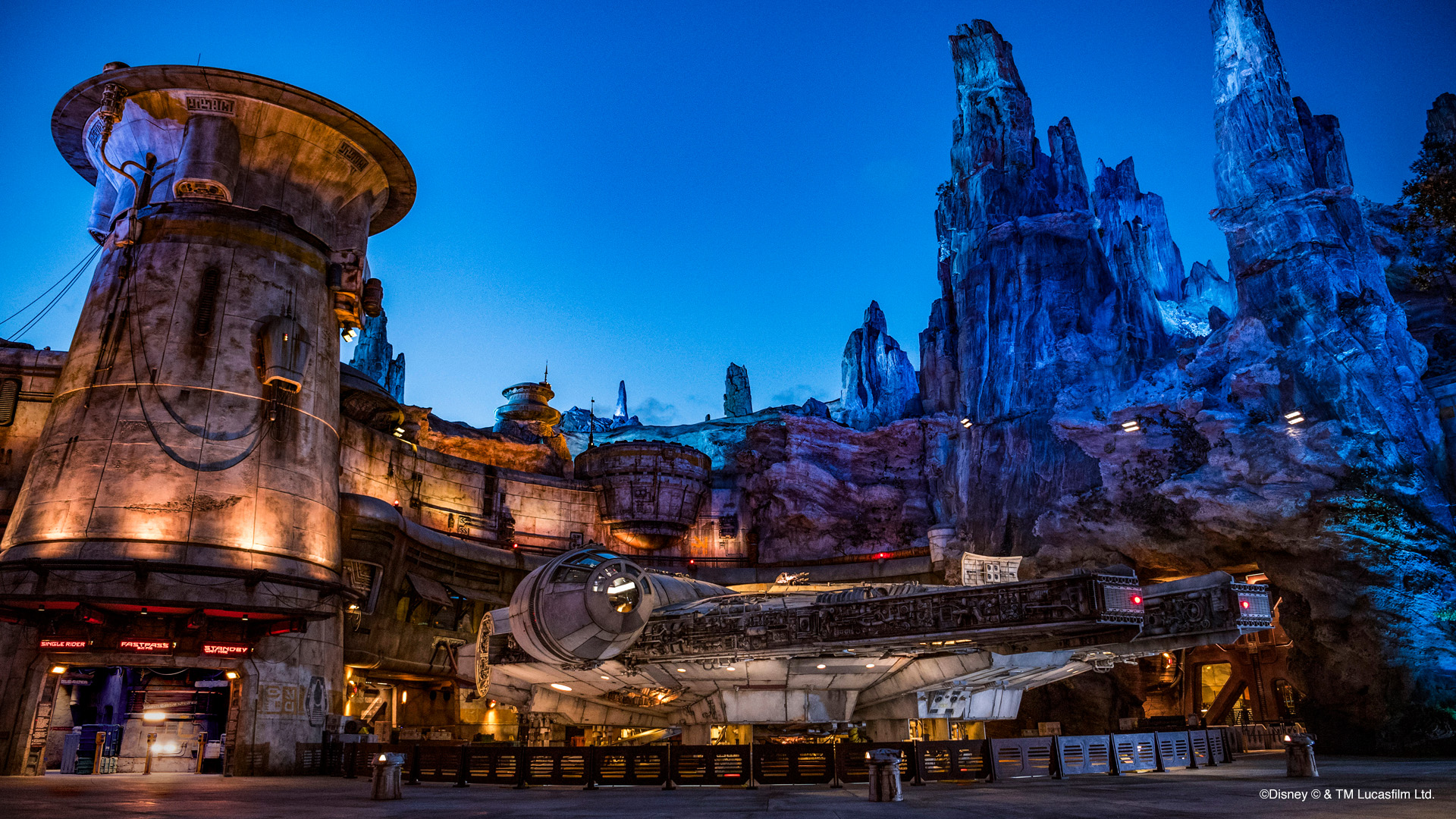
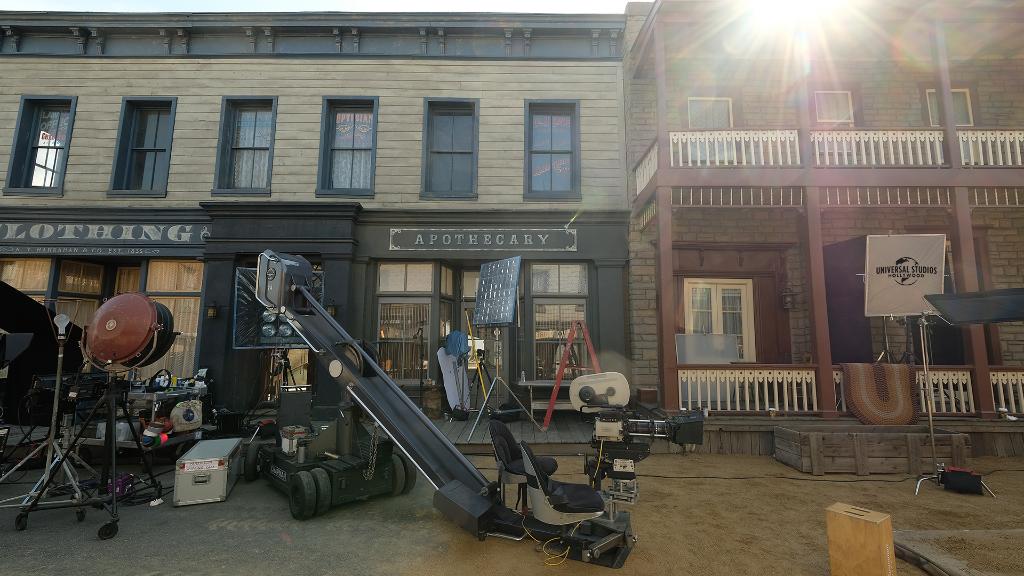
So why not use one with some style? Both Disney and Universal have made available photos from their parks to use as video chat backgrounds, so I've collected several for you to download here.
Just right-click, control-click, or tap-and-hold (depending whether you are on a PC, Mac, or mobile) to save the photos below to your device for use as your new background. Or download several and change 'em up, to keep things fresh on each call.
We'll start with 10 backgrounds from Disney's theme parks.
Tokyo DisneySea

Star Wars: Galaxy's Edge
Epcot

Pandora: The World of Avatar

Pixar Pier

Sleeping Beauty Castle at Disneyland

Cinderella Castle at Walt Disney World

Shanghai Disneyland

Disneyland Paris

Castaway Cay and the Disney Cruise Line

We also have four from Universal Studios Hollywood.
On the Red Carpet

The Universal Globe

Studio Tour Tram

On the Backlot Sets
Happy chatting, everyone!
TweetThis article has been archived and is no longer accepting comments.





Thanks, Robert!